 702-800-0506
 Email us
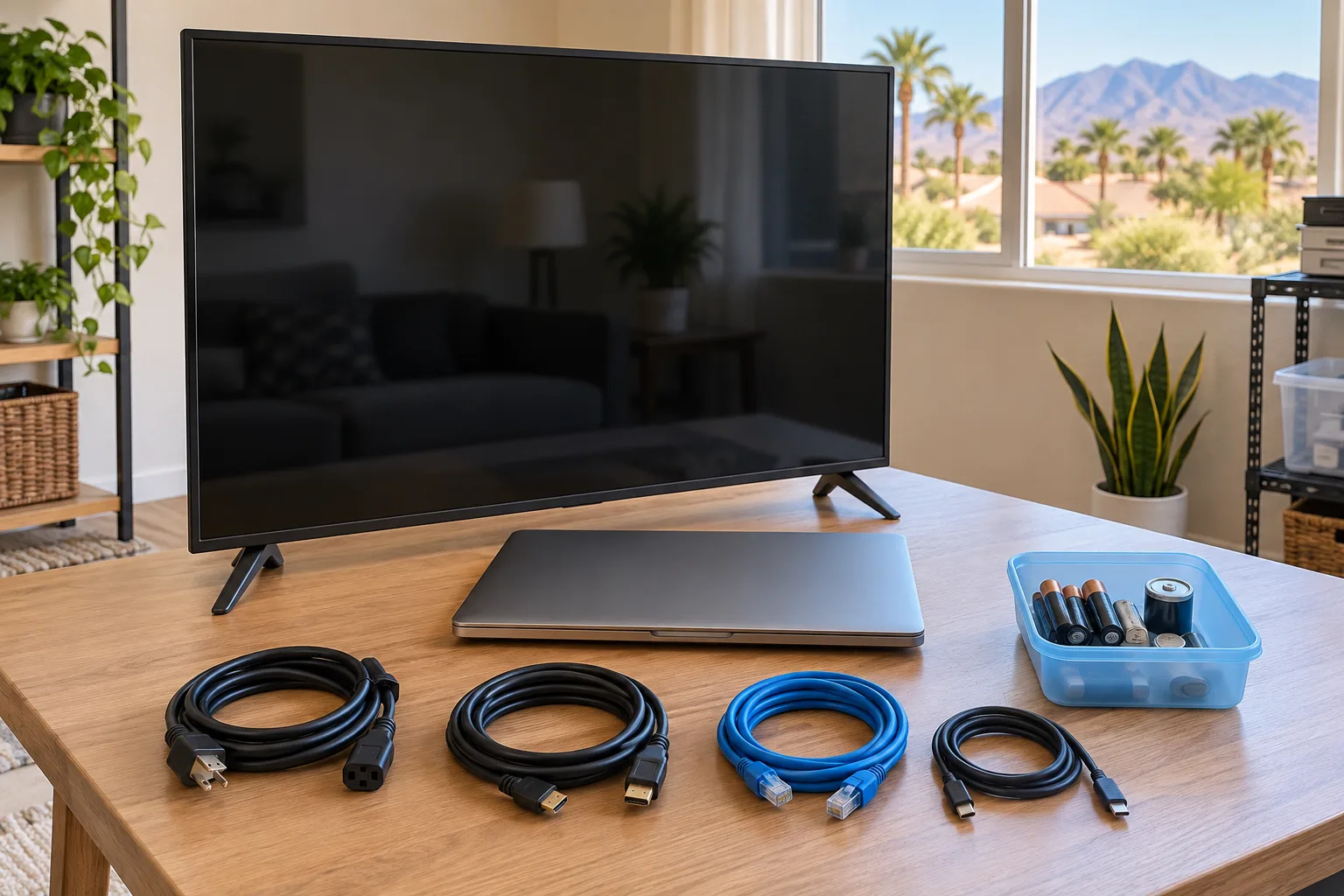
Keep computers, phones, tablets, storage drives, cameras, and loose batteries out of the general cleanout pile until someone has checked the data and power source. Working electronics may have a reuse path; damaged devices and lithium batteries need more care.
First, decide whether the device holds data
Laptops, desktops, phones, tablets, external drives, USB devices, cameras, game consoles, and some printers may contain personal information. Account records, tax files, saved passwords, messages, photographs, and contact lists can remain even when a device has not been used for years.
The Federal Trade Commission recommends backing up information you want, erasing the hard drive with the operating system’s reset or erase process, and then using a suitable donation or recycling route. If you cannot access or reset a device, keep it separate and ask a qualified data-destruction or electronics-recycling provider what documentation is available.
Sort by device condition
| Condition | Best next question | Do not do this |
|---|---|---|
| Working and supported | Will a recipient accept it after data removal? | Donate it with accounts still signed in. |
| Working but obsolete | Does a certified recycler or take-back program accept it? | Assume resale value without checking. |
| Damaged, swollen, hot, or leaking | What emergency or special handling does the manufacturer or local authority require? | Power it on, puncture it, or box it with ordinary items. |
| Unknown | Can the model, battery type, and data risk be identified safely? | Place it loose in curbside recycling. |
Keep lithium batteries out of trash and curbside recycling
The U.S. EPA states that lithium-ion batteries and devices containing them should not go in household garbage or municipal recycling bins. Crushing or damage during collection and sorting can create a fire hazard.
For intact, easily removable batteries, the EPA advises taping terminals with nonconductive tape or placing batteries in separate plastic bags before taking them to an appropriate collection point. Do not remove a battery that is swollen, damaged, hot, leaking, or difficult to reach. Contact the manufacturer or a qualified local program for instructions.
Do not mix every battery type together
Battery chemistry affects disposal. Alkaline, button-cell, lithium, rechargeable, and lead-acid batteries may follow different local rules. Leave labels visible and keep batteries away from metal objects. A nonmetal container can reduce accidental contact during sorting, but the receiving program’s packing rules control.
Use a verified electronics route
The EPA recommends reuse for functioning equipment when possible and electronics recycling when reuse is not practical. It points households toward certified electronics recyclers, retailer take-back programs, and local collection services. Nevada’s environmental agency lists Clark County recycling resources and notes that local options vary by material.
Before driving across the valley, confirm the exact device, quantity, fee, business-versus-household limit, battery requirement, and current hours with the receiver.
Electronics handoff checklist
- Photograph model information only if it does not expose personal data.
- Back up files the estate needs.
- Sign out and erase the device using the manufacturer’s instructions.
- Separate loose batteries and cover intact exposed terminals as directed.
- Keep damaged or swollen batteries isolated and seek qualified instructions.
- Confirm the recycler, retailer, or donation program accepts the device.
Sources checked September 17, 2026: Federal Trade Commission guidance for removing personal information from a computer; U.S. EPA electronics donation and recycling guidance; U.S. EPA used household battery guidance; Nevada Division of Environmental Protection recycling directory.
Plan electronics before the main load
Tell the cleanout crew which electronics and batteries are present before the on-site quote. Call 702-800-0506 to discuss the rest of the Paradise property.