 702-800-0506
 Email us
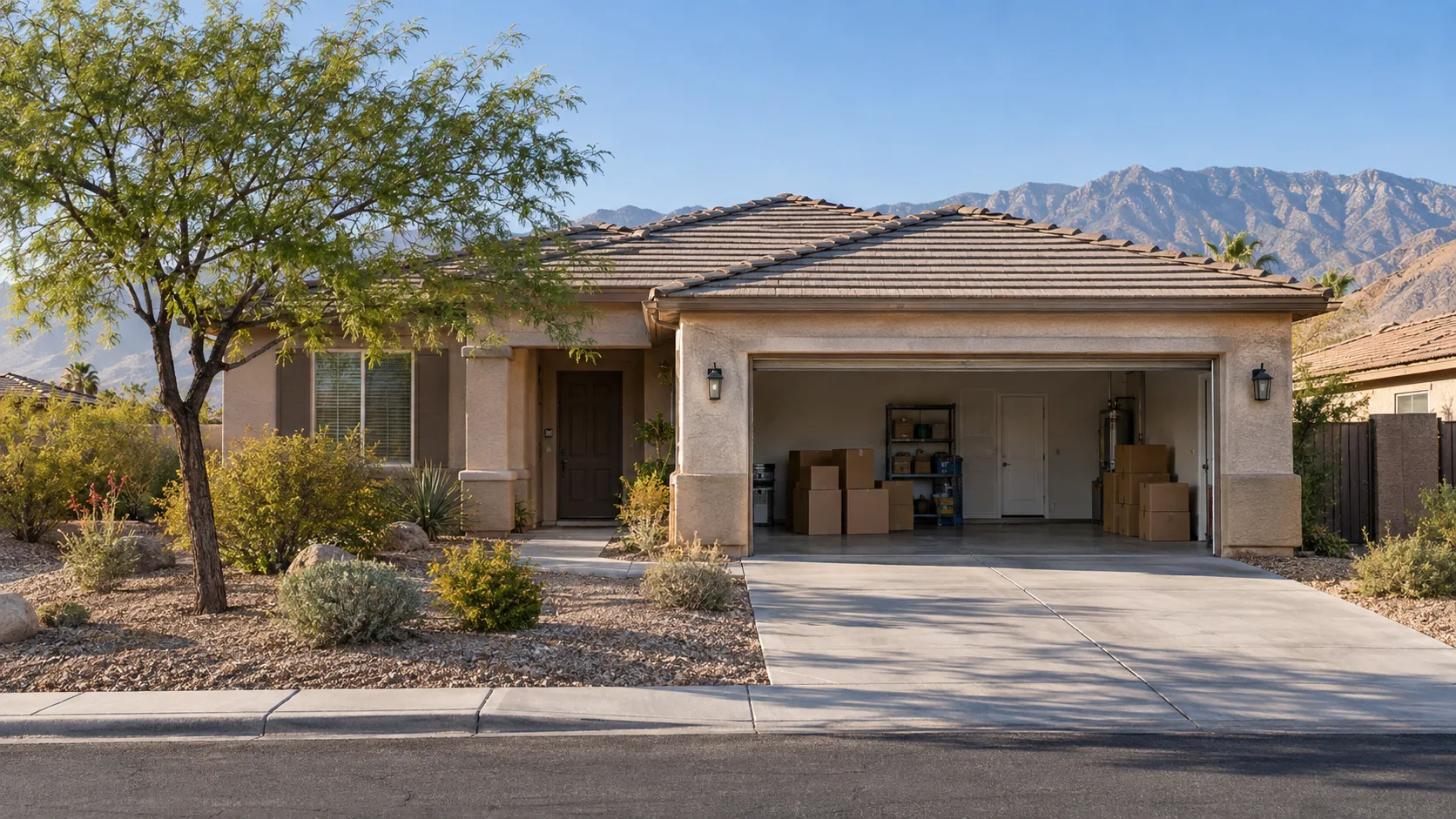
A remote cleanout works when one authorized person controls the scope, the crew has reliable access, and unplanned items have a clear stop rule. Photos help, but they do not replace legal authority or the on-site quote.
Confirm who can authorize the work
Before scheduling, identify the owner, executor, trustee, property manager, or other person with authority over the home and its contents. Keep any required probate, property-management, or ownership documentation available. The hauling provider should not interpret those documents or mediate a family dispute.
Name one person who can approve the quote and answer questions during the job. If that person is unavailable, decide whether the crew must stop or contact a backup.
Choose an access method with a fallback
A local relative, realtor, attorney, property manager, or lockbox may provide access. Share only the information needed for the scheduled visit. Confirm gate codes, alarm steps, parking rules, and lockbox timing in advance.
Do not hide a key without telling the responsible local contact. If the property has an alarm, smart lock, front-desk check-in, or HOA access window, test the plan before the appointment.
Create a remote decision packet
| Include | Purpose |
|---|---|
| Simple floor plan or room list | Defines the spaces included in the quote |
| Photos of each removal area | Shows density, bulky items, and access limits |
| Keep and review zones | Protects items that must not leave |
| Special-item list | Flags chemicals, batteries, safes, appliances, and heavy pieces |
| Decision contacts | Shows who approves price and answers questions |
| Completion request | Defines the photos or walkthrough you expect at the end |
Use photos to explain, not to approve blindly
Ask for wide room views and separate photos of dense closets, garages, stairs, heavy furniture, and unusual material. Avoid sending sensitive documents, account information, or photographs of identification unless they are needed for a specific business reason.
The final scope should be checked on site. A row of cabinets may hold heavy contents, a garage can contain restricted material, and access can add work that a photograph does not show.
Set a stop rule for uncertain items
Remote projects fail when every surprise becomes an urgent text thread. Use a simple rule such as: stop and photograph locked containers, documents, framed family photographs, jewelry, firearms, cash, prescription medication, and any object inside the protected room.
For lower-value uncertainty, choose a dollar or time threshold that requires approval. Make the rule clear before loading begins.
Plan the end of the job
Decide what completion evidence you need. A live video walkthrough or dated room photos can confirm that agreed areas are clear. Check cabinets, garages, patios, sheds, and side yards if they were part of the scope. Confirm where keys will be returned and whether utilities, locks, or property-management handoff need attention.
Questions to ask before you hand over access
- Who provides the final on-site quote?
- Who can approve a scope change?
- What items are excluded?
- How are donation, recycling, and disposal handled when outlets refuse an item?
- What completion photos or walkthrough are available?
- How and when are keys returned?
Local note, checked September 17, 2026: Paradise is within the operating company’s published Las Vegas Valley coverage. Scheduling and remote-access arrangements are job-specific and should be confirmed by phone.
Coordinate the Paradise property
Call 702-800-0506 with the address, local access contact, room list, main item types, and target date. Ask what the crew needs before the on-site quote.